
A support agent at one company was quietly wrong on about 1 ticket in 14 for nine days this past May, and not a single dashboard noticed. Every run finished green. The workflow “succeeded” thousands of times while handing customers plausible, confidently wrong answers. That’s the trap: a green checkmark tells you the automation ran, not that it worked. The most expensive failures never throw an error — they exit “success” and rot for days. The fix isn’t another dashboard. It’s a small verification layer that makes the workflow fail loud when the output is wrong.
Why does my automation show success but do nothing?
Because “success” is measured at the wrong layer. Most automation platforms mark a run green when the last step finishes without throwing an exception. That’s a statement about the run completing, not about the output being correct. An API call that returns 200 OK with an empty body, an AI node that “answers” after its tool silently failed, a filter that matched zero rows — all of them complete cleanly. The pipe ran end to end. Nothing came out the other side, and nobody told you.
This is the single most common complaint in automation communities right now. One of the top n8n threads of 2026 is literally titled “AI Agent node finishes green even when its tool failed — how I catch it now”. The r/n8n prompt “the worst silent failure you’ve shipped — the kind that ran green and did nothing” filled up fast. The pain isn’t theoretical or niche. It’s the default behavior of every tool people are wiring AI into.
What’s the difference between observability and verification?
Observability watches that your workflow ran. Verification checks that it did the right thing. Teams have poured effort into the first and skipped the second — and that gap is exactly where silent failures live.
The numbers are stark. In LangChain’s State of AI Agents 2026, 89% of teams running AI agents have set up observability, but only 52% actually run evals to check the agent produced a correct result. That 37-point gap between “we watch it” and “we verify it” is the green checkmark lie, quantified. Almost everyone has a dashboard that lights up green. Barely half have anything that can tell them the green is lying.
Datadog’s State of AI Engineering 2026 makes the same point from the other side: only about 5% of production LLM calls report an error at all, and roughly 60% of those are rate limits — the recoverable, self-announcing kind. The dangerous failures aren’t in the 5% that error. They’re in the other 95% that run clean. As the report puts it, “the next wave of agent failures won’t be about what agents can’t do, but what teams can’t observe.” You can’t alert on an error that never fires.
The 3 ways a workflow lies green
There are three distinct ways a run exits “success” while being wrong, and each one slips past a different alert — which is why one monitoring setup rarely catches all of them.
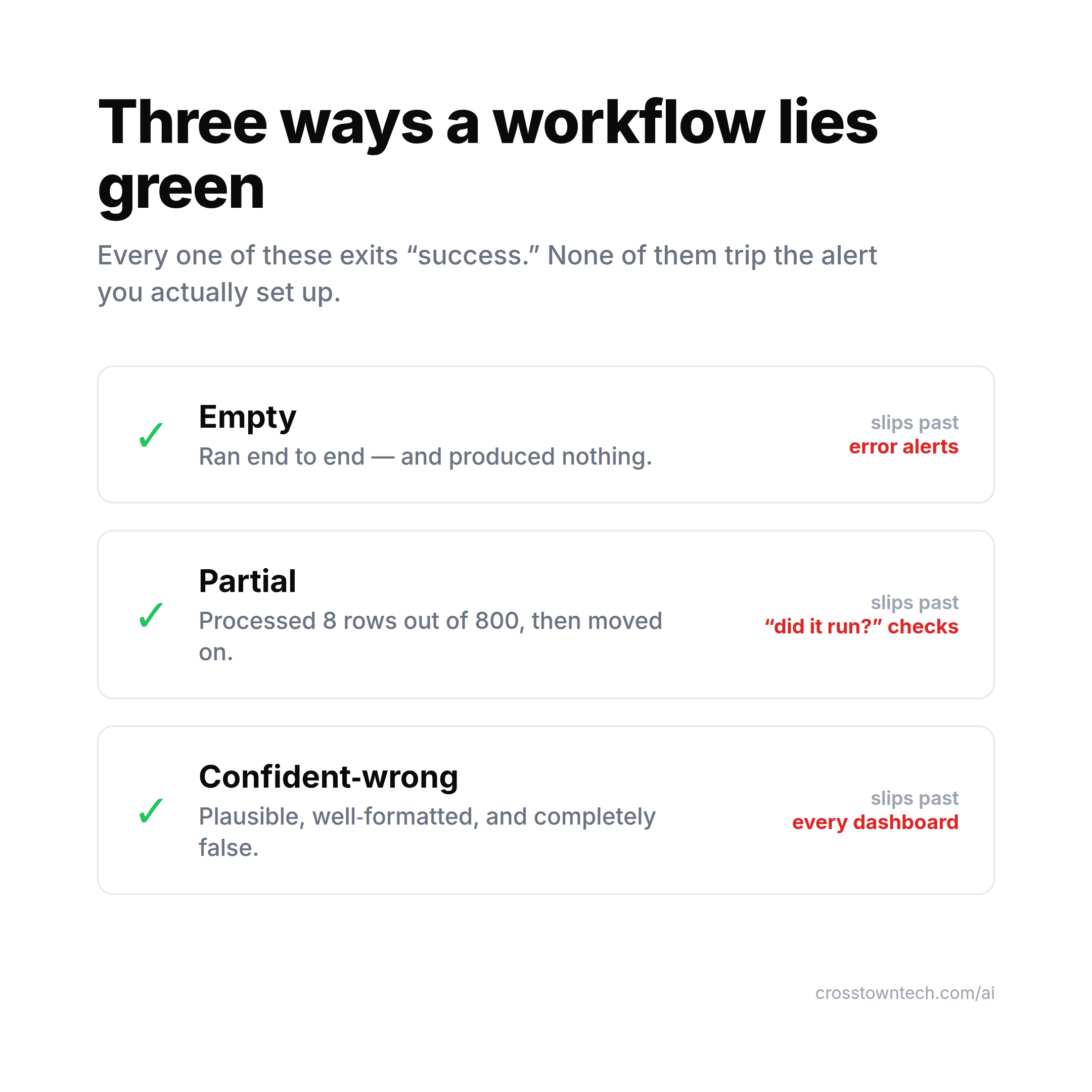
- Empty. The workflow ran end to end and produced nothing. The query returned zero rows, the scrape hit a changed selector, the upstream API sent back
[]. Every step “succeeded.” Your error alerts see nothing to fire on, because nothing errored. - Partial. It processed 8 rows out of 800, then moved on. A pagination bug, a rate limit swallowed mid-loop, a filter that quietly dropped most of the batch. A “did it run?” check says yes. Nobody asked “did it run on everything?”
- Confident-wrong. The output is plausible, well-formatted, and completely false — the AI-specific one. The agent’s tool failed, so it answered from memory. The categorizer mislabeled half the tickets with total confidence. This slips past every dashboard, because there’s nothing malformed to catch. It looks exactly like success.
The n8n production-monitoring threads land on the same three-bucket taxonomy: hard failures (an Error Trigger catches these), silent failures (ran green, output empty or partial or wrong), and missing runs (never fired at all). Most people wire up the first bucket and call it done. The silent-failure bucket is where the money leaks.
How do I catch silent automation failures?
Assert on the output, not on the completion. The move is to add a small verification step that checks the result is what it should be and screams when it isn’t. None of these need a platform — they’re a few lines at the end of a workflow you already have:
- Row-count guard. After any step that produces records, assert the count is in a sane range.
rows > 0catches Empty.rows >= expected * 0.9catches Partial. This one check kills two of the three failure modes. - Schema / shape check. Validate the output has the fields and types you expect before it flows downstream. A response that’s
200 OKbut missing every field it should have is the most common Empty in disguise. - Non-empty assertion on the thing that matters. Not “did the workflow finish” but “does the artifact it was supposed to create actually exist and have content.” Check the file has bytes, the message has a body, the record has the field.
- Downstream heartbeat. Have the consumer of the automation confirm it received fresh data, not just the producer confirm it sent. If the report was supposed to update daily and the timestamp is 3 days old, that’s a silent failure even though every run went green.
- Dead-man’s switch. Flip the logic: instead of alerting when something breaks, alert when an expected success stops arriving. Services like Healthchecks.io or a simple “if no run completed in 25 hours, page me” catch the Missing-run bucket that error alerts structurally can’t see.
The Confident-wrong bucket is the hard one — you can’t row-count your way out of a plausible lie. That’s where you need actual evals: a sample of runs checked against known-good answers, or an LLM-as-judge pass that flags outputs that don’t match the source data. It’s more work, which is exactly why only 52% of teams do it. It’s also the only thing standing between you and nine days of wrong answers nobody caught.
Why this is worth doing this week
Because silent failures are quietly feeding the “AI doesn’t work here” narrative that’s killing projects. Gartner projects that over 40% of agentic AI projects will be canceled by the end of 2027, citing escalating cost, unclear value, and inadequate risk controls. “Unclear value” is what it looks like from the outside when a workflow has been running green and doing nothing for a month. The automation didn’t fail loudly enough to fix — it failed quietly enough to abandon. A verification layer is how a project earns the trust to survive.
FAQ
What’s the difference between monitoring and verification in automation? Monitoring (observability) tells you the workflow ran and didn’t throw an error. Verification tells you the output is actually correct. A run can pass monitoring — green, no errors, finished on time — while failing verification, because it produced nothing, processed only part of the data, or returned a confident but wrong answer. You need both; most teams only have the first.
Why does my n8n / Make / Zapier workflow show success but produce no output?
Because these platforms mark a run successful when the last node finishes without an exception, not when it produces a valid result. An API returning 200 with an empty body, an AI node answering after its tool silently failed, or a filter matching zero rows all “succeed.” Add an explicit assertion — a row-count or non-empty check — at the end so the workflow fails loud instead of green.
How do I detect silent failures in AI agents?
Error alerts won’t catch them, because silent failures don’t error. Add output-level checks: a row-count guard (rows > 0 and near the expected total), a schema/shape validation, a downstream heartbeat, and a dead-man’s switch that alerts when an expected run stops arriving. For the confident-wrong case, you need evals — sample outputs checked against known-good answers or an LLM-as-judge pass.
What is a dead-man’s switch for workflows? It inverts your alerting. Instead of paging you when a run breaks, it pages you when an expected success stops showing up. If a job that should complete daily hasn’t checked in for 25 hours, you get alerted — catching the “never fired” failure that error-based monitoring can’t see because a run that didn’t happen can’t throw an error.
Pick your single most-trusted automation — the one you’ve stopped checking because it’s “just working” — and add one assertion to it this week. A row-count guard takes five minutes. If your workflow can’t tell you when it’s wrong, it isn’t done; it’s just quiet. And quiet is the most expensive state an automation can be in.
I write one of these a week on making AI actually work inside a company — the boring reliability parts included. Related: Stop counting hours saved: how to measure AI ROI and Nobody automates the job they’re scared of losing.